Slack Bot Token Isolation in Multi-Tenant Agent Products
How to keep one customer's Slack commands from bleeding into another's.
Advertisement
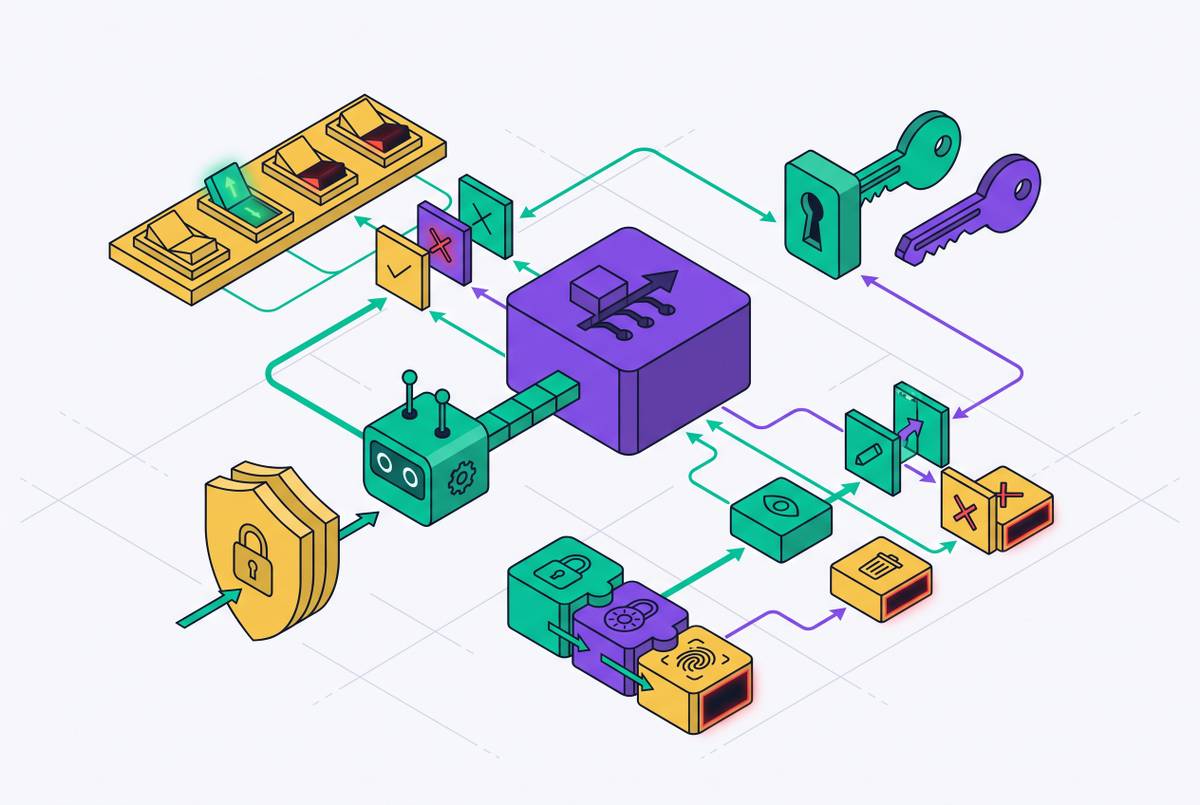
Every Slack agent starts the same way: one app, one bot token, one developer's workspace acting as the test bed. That setup works fine right up until a second customer signs up. At that point, the assumption baked into the prototype (that there's only ever one workspace in play) turns out to be false, and a single shared SLACK_API_KEY becomes a real liability across tenants instead of a config shortcut.
What goes wrong when token isolation is missing
Two kinds of failure appear when isolation is skipped, and they don't look the same on a dashboard.
The first is the silent misfire. The agent does the right thing in the right place, just for the wrong customer's data. Nothing crashes. No alert fires. The logs look clean because, technically, nothing went "wrong" from the system's point of view.
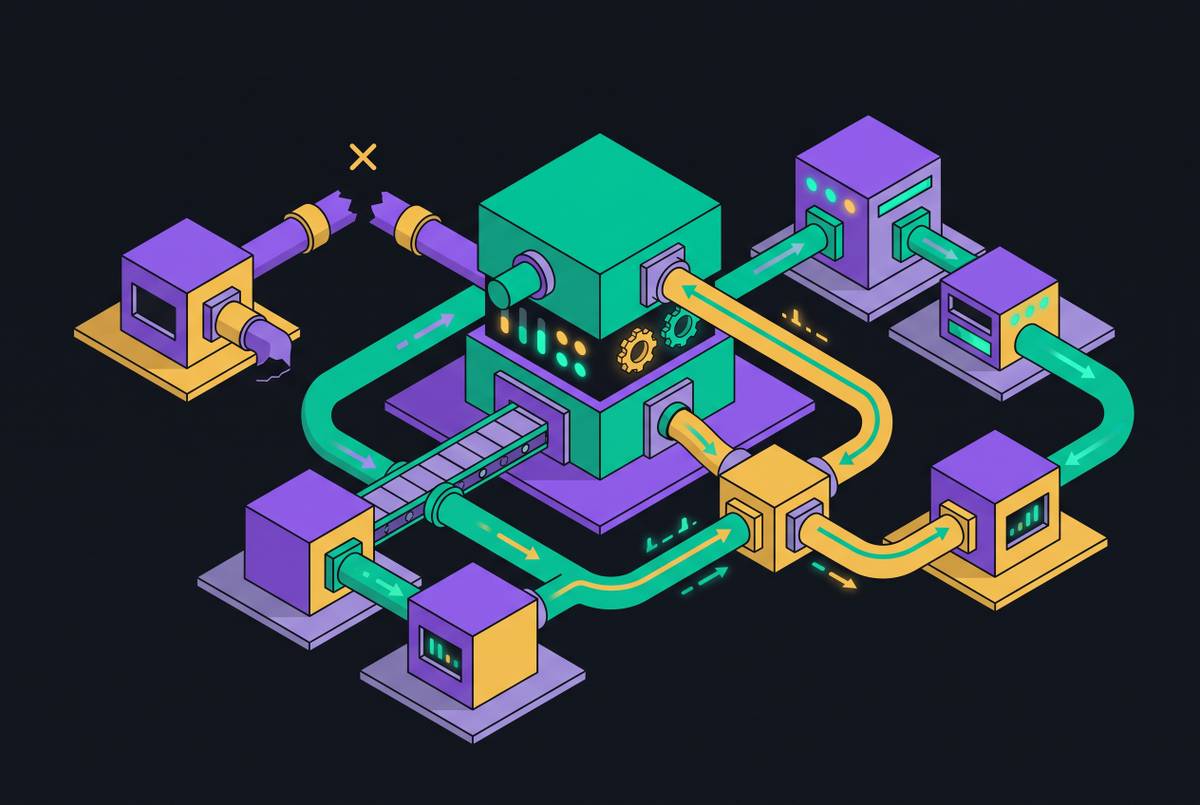
The second is worse: cross-workspace leakage. This happens when commands from different workspaces land in the same long-running worker process. That process shares a filesystem, shares environment variables, and shares whatever got dropped into /tmp from the last run. One workspace's command, injected or otherwise, can read another workspace's secrets. No exploit needed. Just bad process hygiene.
A fintech case makes this concrete. A triage agent got wired into four engineering Slack channels off a single GitHub OAuth token. For three months, with a dozen customer orgs running through it, everything looked fine, until the backend team started noticing issues landing in the frontend repo. The agent was reading the right channel. It just wasn't acting with the right identity, because every channel shared the same GitHub credential with no boundary between them.
Misconfigured agents don't leak data the way a bad database query does. A bad query returns wrong rows once. A misconfigured agent takes action in the wrong place, and if there's no idempotency check, it repeats that action every single polling cycle until a human finally notices.
Slack's own token model and its blast-radius consequences
Slack gives you two token types, and picking between them sets the ceiling on how bad a mistake can get.
A bot token (xoxb-) acts as the app. Its reach stops at whatever scopes were granted to the app itself. A user token (xoxp-) acts as a specific person and can do anything that person can do in the workspace. That's a much wider blast radius, and it should be the exception. Use a bot token unless the workflow genuinely requires acting as a named human being.
Scopes matter just as much as token type. They're not coarse buckets, they're specific strings tied to specific actions, each one granting access to exactly one capability. A write scope like chat:write should never sit on an agent that only ever needs to read. When reviewing a Slack app's permissions, the real question isn't "does this work," it's "does this app request only what it actually uses."
The install model reinforces all of this. Every workspace that installs the app gets its own OAuth grant and its own token. Scale that to a hundred customers: now there are a hundred tokens to store, refresh, and revoke, each one needing to stay locked to its own workspace's execution context and nowhere else.
The five identity layers every multi-tenant agent must model explicitly
Traditional SaaS access control usually collapses identity into one thing: a logged-in user. Multi-tenant agents can't get away with that, because five separate identity layers are present in every action, and conflating any two of them is where the bugs live.
Trigger identity: the human whose Slack message set the agent off (the person who posted the original message)
In a single-tenant prototype, all five of these are the same person: the developer. That's why the prototype works, and why it hides how fragile the design really is. Once a second tenant shows up, those five identities stop being interchangeable.
The fintech incident is a textbook version of what happens when they get conflated. Execution identity and tenant identity got merged into one shared GitHub OAuth token, acting on behalf of every team with no way to trace which action belonged to which tenant. When these five layers aren't modeled on purpose, access control bugs don't throw an error. They wait, quietly, and become a silent misfire nobody can explain at first, visible only months later.
Hard isolation vs. soft isolation: choosing the right boundary for your product's stage
There are two real strategies here, and the right one depends on what's being built and who it's for.
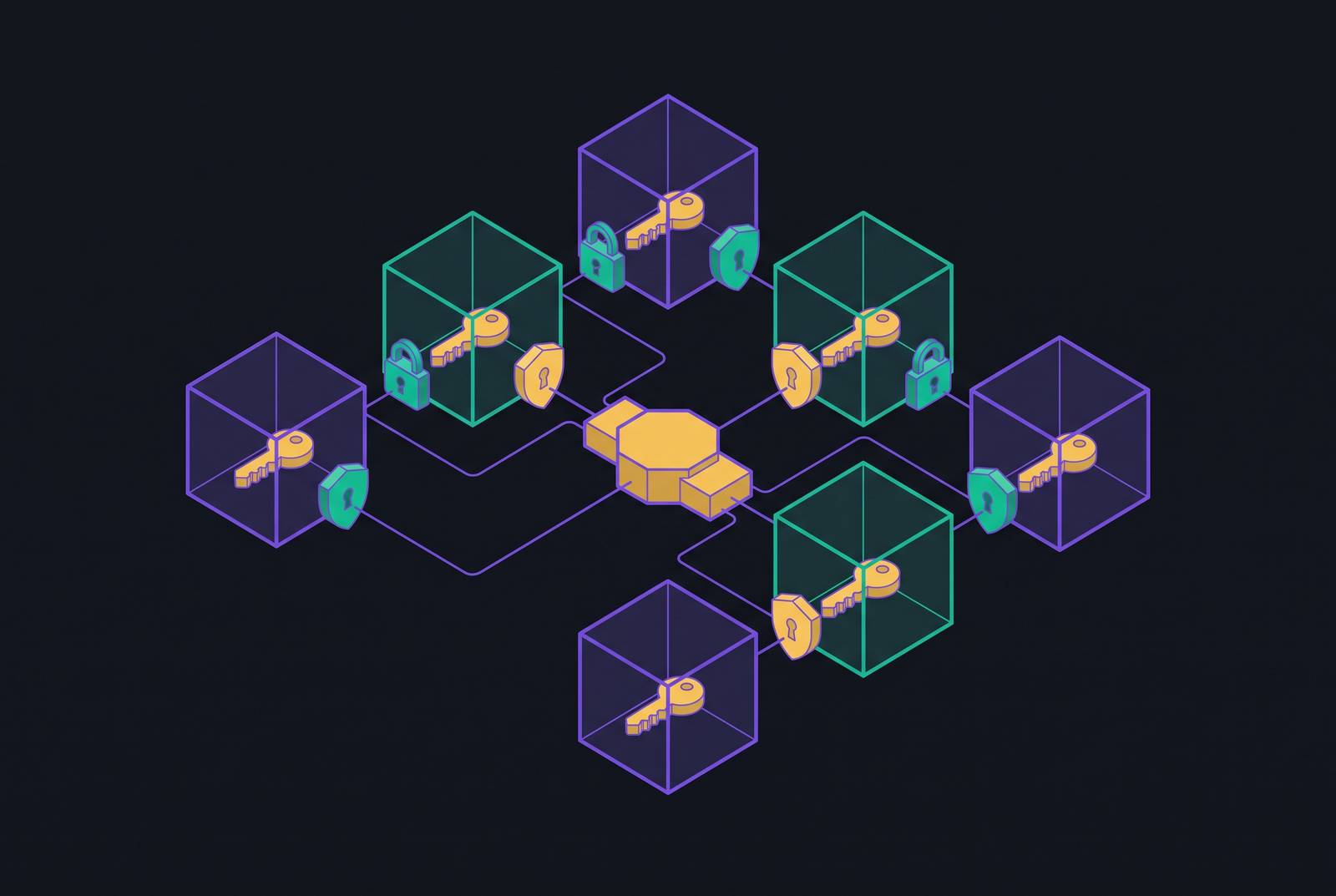
Hard isolation means dedicated infrastructure per tenant: separate compute, separate agent runtime processes, data stores that never touch. If something breaks, the blast radius stays inside one tenant. Tenant A's pod never shares memory or CPU with Tenant B's, period. That's the right call for regulated spaces, healthcare SaaS handling PHI, legal tech where one firm's privileged data can't sit anywhere near another firm's. Auditors like this model because there's a physical boundary they can point to. The cost is real too: infrastructure spend multiplies, idle tenants still burn baseline resources, and rolling out an update means pushing it across hundreds of separate stacks. Data residency doesn't get solved automatically just because the infrastructure is separate.
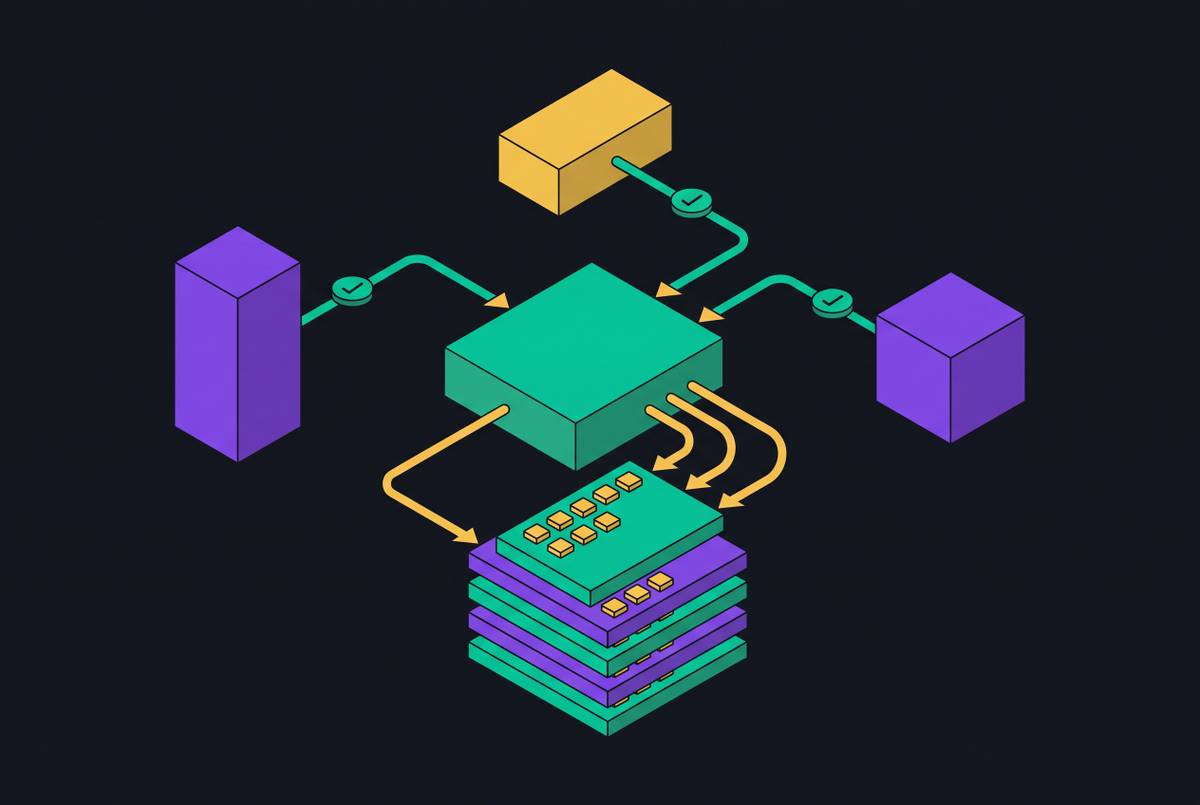
Soft isolation puts multiple tenants on shared infrastructure and relies on logical boundaries to keep them apart. It's the pragmatic choice for serving a large number of smaller tenants without infrastructure costs that scale one-to-one with customer count. A few methods make this work:
- Tenant-scoped workspaces, where every agent pipeline binds its config, tools, and credentials to a tenant ID, and the runtime refuses to process any invocation not tied to exactly one workspace
- Request-level routing, where every incoming request carries a tenant identifier (a JWT claim, an API key, a header) that gets injected into every agent operation downstream
- Data storage separation, where vector stores, RAG indexes, and conversation histories all get partitioned by tenant ID with row-level security enforced at the application layer
- Rate limiting and resource quotas, so one noisy tenant can't eat up the shared model endpoint or compute pool and starve everyone else
The risk with soft isolation is that a bug in the routing layer, or a misconfigured retrieval index, can mix tenants without anyone noticing right away. Observability isn't optional here because it's the mechanism that catches cross-tenant anomalies before they become incidents. Done right, though, soft isolation is safe by construction: every function that touches a model or a tool has to accept and verify tenant context before it runs.
The isolation boundary itself needs to sit between any two invocations that don't share a trust domain. For a multi-tenant Slack bot, that means per-command, not per-session. The mental model is almost boring on purpose: a command comes in, spin up a fresh sandbox, run the agent inside it with a hard timeout, capture the output, post it back to the channel, destroy the sandbox. Repeatable, predictable, and deliberately unexciting.
How the leading agent runtimes implement per-workspace token routing
Different runtimes solve this problem at different layers, and looking at how each one draws the isolation line is instructive.
Cloudflare's Agents SDK uses Durable Objects, keyed on the Slack workspace's team_id. Each workspace gets its own isolated, stateful agent instance, and that instance stores its Slack access token within that Durable Object, pulling conversation history from Slack's API on demand. During the OAuth flow, the agent exchanges an authorization code for a token and writes it straight into that workspace's Durable Object, so the token never crosses into another workspace's context by construction. The isolation unit is the Durable Object itself, and the workspace ID is the key that selects it.
The Agno SDK takes a different route for multi-bot setups. Each Slack interface gets its own token and signing secret through separate environment variables (ACE_SLACK_TOKEN, DASH_SLACK_TOKEN are the kind of naming convention used), so credentials stay apart at the config layer even when both bots share a single SQLite database. Session isolation happens at the database layer instead of the infrastructure layer, and each bot gets its own Event Subscription URL prefix on the same server, so Slack's routing partitions events before they ever reach the agent code.
OpenAI's Agents API isolates at the thread level rather than the workspace level. Each Slack thread gets its own Agents API session and its own isolated workspace, with Slack supplying the trigger and interface while the Agents API holds the conversation state and tool results. The application layer still controls Slack access, credentials, and sandbox lifecycle. This is the right shape for products where separate conversations inside the same Slack workspace still need to stay apart from each other.
Mastra's AgentChannels resolver goes a step further and makes the isolation granularity a configuration choice. Platform context gets injected into a request context object under a channel key: platform, channel ID, thread ID, user ID, message ID. From there, the resolver picks whichever boundary the product actually needs, thread ID for one sandbox per conversation, user ID for one sandbox per engineer, channel ID for one sandbox per team. The "right" isolation unit isn't fixed. It depends on the product's trust model.
Credential routing in practice: the JWT context pattern and named connection binding
The mechanics of routing credentials correctly come down to one rule: tenant context travels with the request, and it never lives in a global variable.
An authentication middleware layer validates the incoming token, pulls out the tenant_id, and injects it into a context object that follows the request through its entire lifecycle using a thread-safe context variable. Every downstream function that touches the agent gets that tenant context passed to it explicitly. A web-framework example of this pattern uses a ContextVar for tenant_ctx, set once per request and read by every agent operation in that request's call graph. Nothing downstream has to guess which tenant it's serving.
Named connection binding solves a related problem: which credential to use, and how to manage it over time. Instead of a global token sitting in an environment variable, each channel owns its own OAuth connection as a single config entry, which makes onboarding, offboarding, and team transfers something that happens in one place rather than across a dozen scattered configs. The credential gets resolved by identifier and connection name at call time, not pulled from a hardcoded variable, so the routing logic stays in application code while credential resolution gets delegated to a dedicated auth layer. Tools like Scalekit exist specifically to take raw token management out of application code entirely, handling OAuth lifecycle, refresh, and resolution behind the scenes.
Three specific mistakes account for most of the high-severity incidents in this space:
Parameter injection via message payload: the agent trusts a tenant-identifying value pulled straight from user input instead of from validated, server-side context
None of these three are exotic. They're the same category of bug that occurs in any distributed system that caches state, and that is why token isolation can't be treated as a detail to patch in after launch. It has to be part of the architecture from the first line of routing code, because by the time a second tenant shows up, it's already too late to add it cheaply.
Sources
- Access Control for Multi-Tenant AI Agents: Identity & Isolation
- Slack agent
- Multi-Bot | Agno
- Token isolation is the easy half of multi-tenant OAuth — WorkOS
- Tenant Isolation in Multi-Tenant Systems: Architecture, Identity, and Security - Security Boulevard
- Tokens Yes, Tenants No: Ending Unauthorized API Access with OAuth 2.0 [Slack/Box Implementation]
- Building a Multi-Tenant Slack App for SaaS Platforms
- api.slack.com